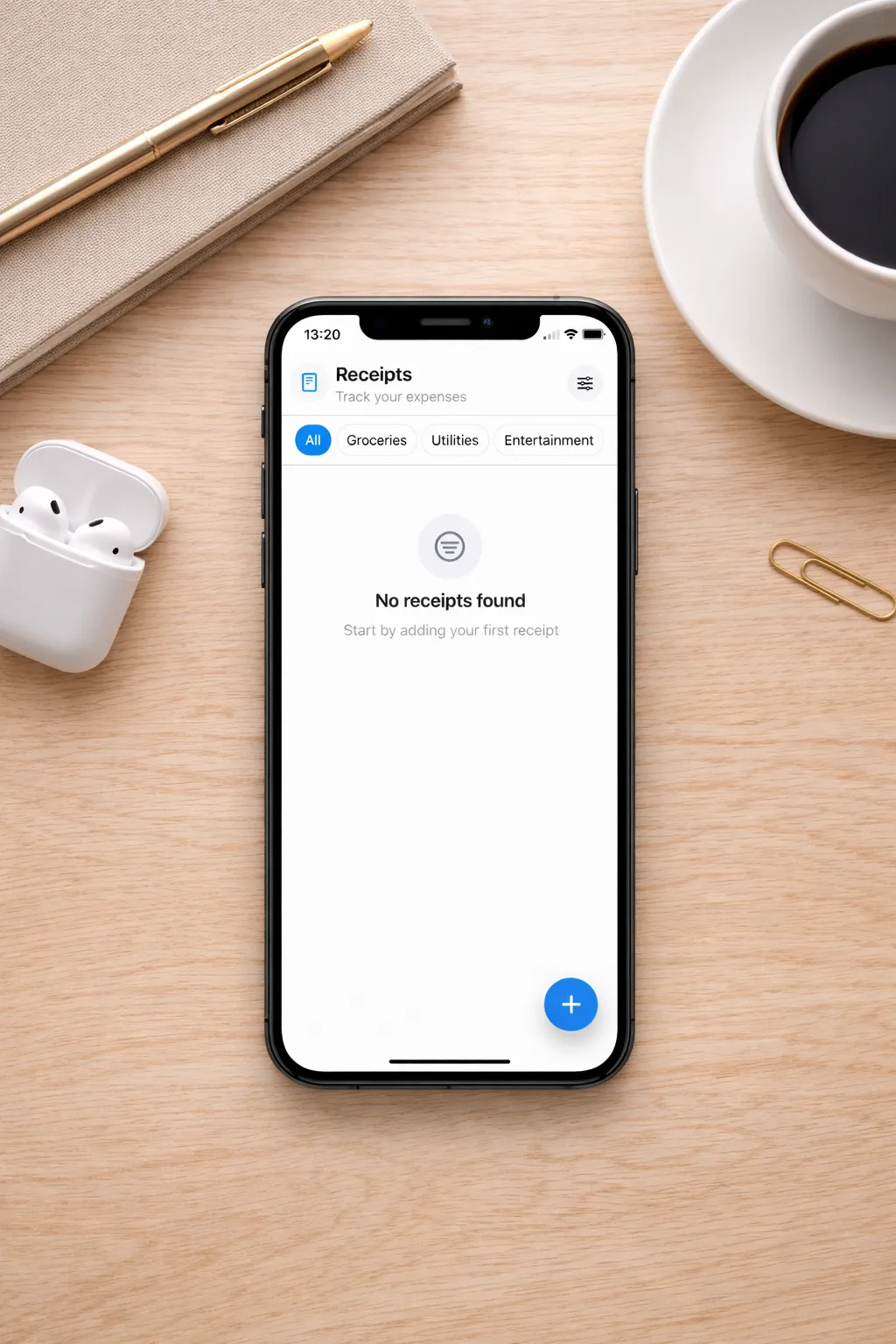
Receipt & Bill Tracker is a lightweight iOS app designed to help you store, organize, and export receipts and bills fast. It’s built with a clean, mobile-first workflow: capture, categorize, and retrieve your documents anytime.
Download it now!
Why This App?
Keeping receipts and bills scattered across photos, emails, and paper folders gets messy quickly. Receipt & Bill Tracker focuses on a simple goal: make expense documentation painless without ads, without tracking, and with a workflow that feels native on iPhone. Completely FREE.
Key features
- Capture receipts in seconds
- Auto-fill (OCR)
- Custom categories
- PDF export
Support
For help, questions, or bug reports, contact:
Email: receiptbilltracker@privaterelay.eu
When writing, please include:
- Your device model
- iOS version
- App version (if visible)
- A short description of the issue
- (Optional) a screenshot/screen recording
FAQ
How do I add a receipt?
Tap the + button, enter details, and attach a photo or scan if needed.
What’s the difference between “Choose Photo” and “Scan”?
Choose Photo selects an existing image from Photos.
Scan uses the camera document scanner for multi-page documents.
How does Auto-fill work?
Auto-fill uses on-device OCR to suggest values like date and total. You can always edit fields before saving.
How do I export to PDF?
From the main Receipts screen, tap Export to PDF. The export creates a PDF with one receipt per page including image + metadata.
Does the app sync across devices?
In this phase iCloud sync is still a work in progress.
Can I delete my data?
Yes. You can delete receipts and categories from within the app. If iCloud sync is enabled, deletions will sync across your devices.
Privacy Policy
Effective date: 2026-02-26
Receipt & Bill Tracker (“the App”) helps you store and organize receipts and bills. This Privacy Policy explains what data the App processes and how it is handled.
Data you provide
The App stores information you enter, such as:
- receipt/bill title (merchant/name)
- amount and date
- category
- attachments you add (photos or scanned documents)
Attachments (Photos / Scans)
If you attach a photo or scan a document, the App processes that attachment on-device to display it and to generate a PDF for export (when applicable).
Auto-fill (OCR)
Auto-fill uses on-device text recognition (OCR) to suggest values such as date and total amount. OCR processing happens on your device.
iCloud / CloudKit sync
If iCloud Sync is enabled, the App uses Apple iCloud/CloudKit to synchronize your receipts, categories, and related data across your devices signed into the same Apple ID. Apple may process this data as part of providing iCloud services. The App developer does not operate their own servers for syncing.
Analytics, advertising, and tracking
The App does not use third-party advertising SDKs and does not track you across apps or websites.
Data sharing
The App does not sell or share your personal data with third parties. Data may be stored and synced via Apple iCloud/CloudKit if you enable iCloud.
Data retention and deletion
You can delete receipts, categories, and attachments at any time from within the App. Deleting items removes them from the local database and, if iCloud Sync is enabled, they will also be removed from iCloud for that Apple ID (subject to Apple’s sync behavior).
Permissions
The App may request:
- Camera: to scan receipts or capture photos you attach.
- Photos: to select images you attach to receipts.
Contact
For privacy questions or requests, contact: receiptbilltracker@privaterelay.eu